


What Is Concurrent I/O?
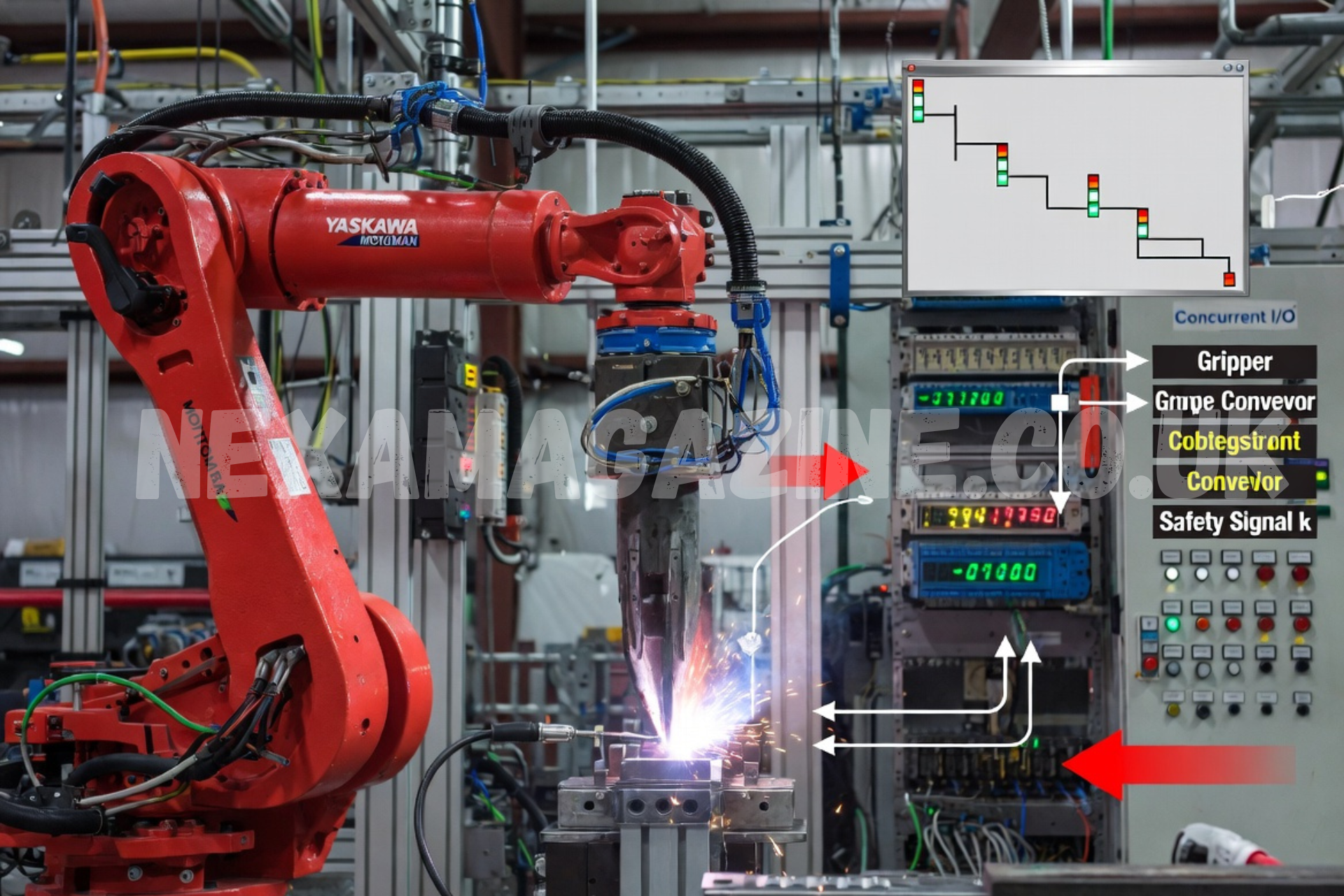
Concurrent I/O, often abbreviated as CIO, is a background process in Yaskawa Motoman robot controllers that continuously manages input and output signals independently of the main robot jobs. It runs in parallel with INFORM language programs, functioning like a built-in PLC (Programmable Logic Controller) for handling digital I/O, fieldbus communications, and custom logic.
This capability allows robots to monitor sensors, control peripherals, and respond to ext
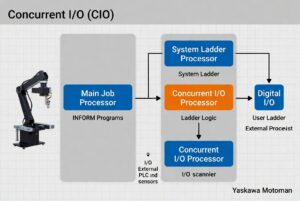
ernal signals in real time without interrupting motion or operation sequences. Introduced across controllers like DX100, DX200, NX100, FS100, YRC1000, and YRC1000micro, CIO enhances flexibility in complex automation cells involving welding, material handling, or assembly.
For more trending entertainment stories and platform explainers, explore more articles on Nexa Magazine.
Engineers and integrators use it to customize I/O behavior, map signals from external devices, and implement safety or sequencing logic directly in the controller.
Quick Facts Table
| Aspect | Details |
| Full Name | Concurrent I/O (CIO) |
| Primary Function | Parallel I/O signal processing like a PLC |
| Key Controllers | YRC1000, YRC1000micro, DX200, DX100, NX100, FS100 |
| Programming Method | Ladder logic (System + User sections) |
| File Name | CIOPRG.LST |
| Scan/Operation | Continuous background process from power-up |
| Main Benefit | Real-time I/O without interrupting robot jobs |
| Edit Access | User ladder: Management/Safety Mode; System ladder: Yaskawa authorized only |
How Concurrent I/O Works
The CIO process activates automatically when the controller powers on. It operates independently, scanning inputs and setting outputs based on predefined ladder logic. This separation from the main job processor ensures deterministic I/O response times, critical for safety interlocks, gripper control, or conveyor synchronization.
Core Components:
- System Ladder (Part 1): Handles core robot functions. Yaskawa-defined and restricted to authorized personnel.
- User Ladder (Part 2): Customizable for application-specific logic. Editable by qualified users.
Ladder logic resembles traditional PLC programming with rungs, contacts, coils, and instructions like STR (Start), OUT, BMOV (Block Move), and timers/counters.
Signal Classification and Addressing
Yaskawa uses a structured numbering system for thousands of signals. Understanding this is essential for effective CIO programming.
Common categories include:
- External Inputs/Outputs (e.g., #200xx, #300xx)
- Specific Inputs/Outputs for robot functions
- General Purpose relays and registers
- Auxiliary Addresses (#7xxxx) for internal logic, some retentive across power cycles via parameters.
Tip: Output addresses typically start with odd numbers (e.g., #00010 vs. inputs).
Manuals provide detailed classification tables for each controller model.
Editing and Managing the CIO Ladder
Multiple methods exist for viewing and modifying the ladder:
- Teach Pendant: Built-in Ladder Program or optional Ladder Editor under IN/OUT menu.
- PC Editing: Export CIOPRG.LST via USB, edit as text (with caution), then reload.
- Compilation Checks: Changes validate before activation to prevent unsafe states.
Best Practices:
- Never copy entire ladders between systems—differences in options and applications can cause failures.
- Test modifications thoroughly in a safe environment.
- Use BMOV/GMOV carefully; breaking large block moves allows inserting custom logic.
Common issues include duplicate output relays or attempting System ladder edits.
Real-World Applications and Examples
CIO excels in scenarios requiring constant monitoring:
- Robot in Motion Output: Set an output based on motion status for cell coordination.
- Sealing Logic: Implement latching behaviors for pneumatic or process controls.
- Time Between Events: Use counters/timers for cycle time measurement.
- Fieldbus Integration: Map Profinet, Ethernet/IP, or DeviceNet signals.
- Safety and Alarms: Custom user alarms/messages and interlocks.
For instance, a handling application might use CIO to monitor gripper sensors and signal readiness to a PLC without pausing the main job.
Comparison: Concurrent I/O vs. General Programming Concepts
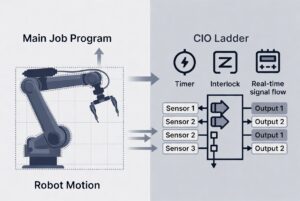
While “concurrent I/O” appears in broader computing (e.g., async file/network I/O in languages like Python asyncio, Java NIO, or AIX filesystem optimizations), Yaskawa’s implementation is specialized for industrial robotics. It prioritizes deterministic, real-time control over high-throughput data processing.
In robotics, the focus is reliability and integration with motion control rather than pure performance scaling.
Latest Updates and Controller-Specific Notes
Newer controllers like YRC1000 offer enhanced features:
- Retentive auxiliary addresses via parameters (S4C080+).
- Improved fieldbus support.
- Better online editing safeguards.
Yaskawa regularly updates manuals—always reference the latest for your specific controller.
Source Verification
This article draws primarily from official Yaskawa Motoman Knowledge Center documentation, including the Concurrent I/O Overview and model-specific manuals (YRC1000, DX200, etc.). Additional insights come from Yaskawa training materials and verified integrator resources. For implementation, consult the official Concurrent I/O manual matching your controller firmware.
FAQ
What does CIO stand for in Yaskawa robots?
Concurrent I/O – the background I/O processing system.
Can I edit the System ladder in Concurrent I/O?
No. Only Yaskawa-authorized personnel can modify the System section. Use the User ladder for custom logic.
How do I export the CIO ladder for editing?
From the teach pendant: EX.MEMORY > SAVE > I/O DATA > C.IO PGM. This creates CIOPRG.LST on USB.
Is Concurrent I/O the same as PLC programming?
It functions similarly but is integrated directly into the robot controller for tighter synchronization with motion.
What happens if I load an invalid ladder?
Safeguards prevent loading invalid files. The controller checks rungs and prevents unsafe configurations.
Do auxiliary addresses (#7xxxx) retain values after power cycle?
Yes, configurable via specific parameters on YRC1000 and similar controllers.
Conclusion
Concurrent I/O is a powerful feature that transforms Yaskawa Motoman robots into more intelligent, responsive automation partners. By mastering ladder logic and signal handling, integrators achieve tighter integration, improved safety, and greater application flexibility. Start with your controller’s official manual, practice in a controlled setting, and leverage Yaskawa’s training resources for advanced proficiency. Proper use of CIO can significantly reduce external PLC dependency and streamline complex robotic cells.
